
Introduction
I recently got a Quote/0. It now lives on my desk collecting dust.
Key Specs
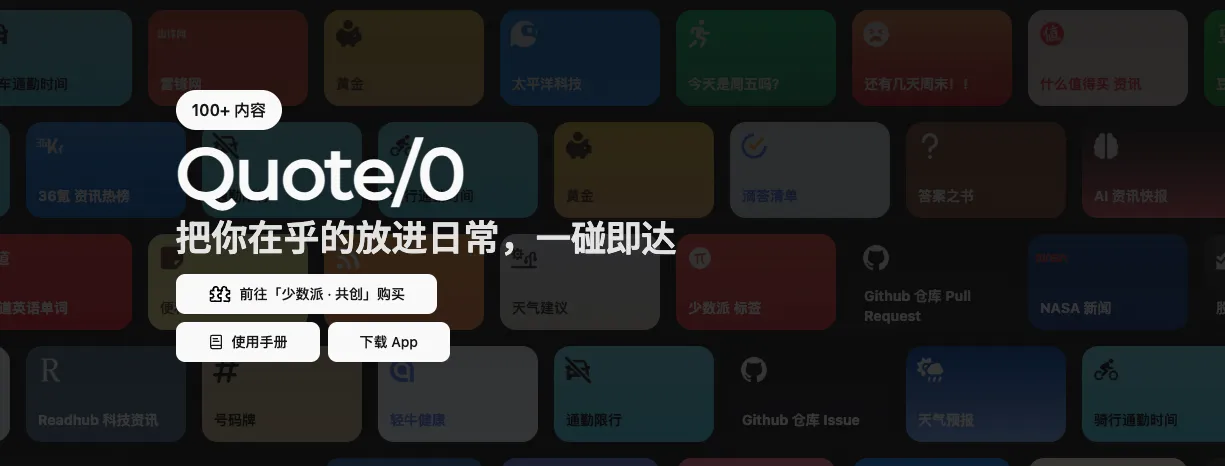
According to the official documentation, Quote/0 is positioned as a smart e-ink screen that can attach to metal surfaces. It displays information via an app and a content marketplace, and supports NFC tap interaction.
Here are a few key specs and features I noted:
- Screen: 2.66-inch e-ink display
- Resolution: 296 x 152
- Battery: 800 mAh
- Charging: Type-C, approximately 1.5 hours to full
- Interaction: Supports NFC tap (requires compatible phone model and OS) — not particularly useful in practice
- Content modes: Fixed content + looping content
- API capabilities: Supports status queries, content switching, text push, image push, etc.
Official documentation:
- Product & manual: https://dot.mindreset.tech/docs/quote_0
- Refresh timing: https://dot.mindreset.tech/docs/quote_0/faq/refresh_timing
- Open API: https://dot.mindreset.tech/docs/service/open/
What I Like About It
1. E-ink is naturally suited for “always-on information”
The e-ink display has a very calm, non-glaring look. Having it on the desk feels more understated than phone notifications. Schedules, to-dos, reminders, and short phrases all work great as persistent displays. And it can hold an image even without power.
2. The tinkering potential is genuinely high
Treating it as just a “digital photo frame” undersells it. What’s really interesting is the API support — you can turn it into an automation terminal:
- Show script execution results
- Show the day’s key tasks
- Show a one-line AI summary
- Show new message alerts
What I’m Not Happy With
I’ll try to be specific here to give potential buyers a realistic picture.
1. Hardware details still have room to improve
- Not sure if it’s just my unit, but the charging port feels a bit loose — quality seems average
- The display area is on the small side
- The e-ink screen doesn’t support touch (if you’re used to touch interaction, there will be an expectation gap)
2. Software side
- There were quite a few software bugs, but after updates it’s now in a pretty good state
3. Wireless stability can be inconsistent
In my environment, even a modest distance between the device and the router can cause disconnections. This may be environment-specific, but it does affect the experience.
4. The sleep mechanism impacts “real-time” delivery
The official docs clearly state: when running on battery, the device prioritizes battery life and may enter sleep mode. API content goes to the server first and is displayed the next time the device wakes up. This leads to display delays.
5. A few other minor pain points
- NFC detection sensitivity is average
- The minimum refresh interval is currently 1 minute — I’d love 30-second support
- When on battery, I’d like a more obvious option to disable sleep mode
About AI
The manufacturer provides an AI Skill integration:
https://dot.mindreset.tech/docs/service/open/skill
Once you install the relevant skill, you can directly ask AI to push content to the device. Combined with OpenClaw Hermes, it gets close to “display whatever you want.” However, if you’re on battery power, content won’t show immediately — it waits until the device wakes up.
Feel free to follow my blog at www.bboy.app
Have Fun